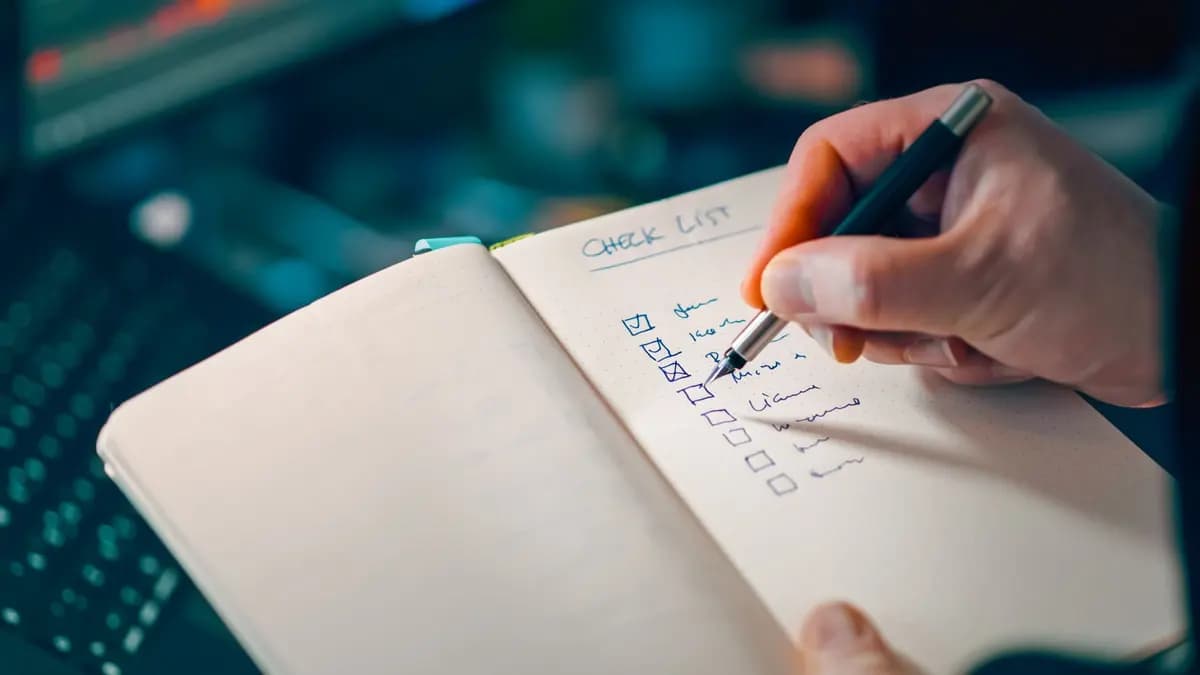
Google Play gives you three testing tracks before production: internal, closed and open. Internal testing is for a small, fast inner circle; closed testing is for an invited group and is the only track that counts toward the 12-tester, 14-day requirement for new personal accounts; open testing is public, and for those accounts it only unlocks after you get production access.
The order of the tracks
Play Console arranges releases in a ladder: internal, closed, open, then production (Set up a test). You don't have to climb every step for every update, but each track has its own purpose and its own limits.
Internal testing
Internal testing is the quickest way to get a build onto real phones.
- Size: up to 100 testers per app.
- Speed: Google says builds are "normally available to testers within seconds."
- Setup: you can use it without completing app setup first.
- Countries: testers can be in any country; country targeting doesn't apply to this track.
- Paid apps: internal testers install paid apps for free.
Internal releases are generally not covered by managed publishing, so changes go live immediately. There are two exceptions: when your app's very first release is on the internal track, or when a previous submission was rejected. In those cases the release goes through review (Managed publishing).
Use it for: checking a build works on your own devices and your team's, catching install problems, and trying out a release before you send it to a wider group.
Important: internal testing does not satisfy the closed testing requirement. You can have 100 internal testers using the app for a month and it won't count. Only a closed test does (App testing requirements).
Closed testing
Closed testing is for a group of people you invite, and it is the track Google looks at when a new personal account applies for production.
- Access: you must complete app setup before you can use it.
- Who can join: only people you add, either through email lists or a Google Group. Each tester needs a Google account.
- Limits: up to 200 email lists per account, each with up to 2,000 users, and up to 50 lists per track.
- Review: closed releases go through Google's review. That can take a few hours or up to seven days, longer in exceptional cases.
- Countries: availability is synced with production by default, and you can change it per track.
- Paid apps: closed testers must buy paid apps.
Testers join through an opt-in link. Once opted in, they get the test version from Google Play like any other app. Their feedback is private and doesn't affect your public rating, and testers can't leave public reviews on test versions.
Use it for: the 12-tester, 14-day requirement if you have a new personal account, and for any app, testing with a defined group of real users before launch. For a full explanation of the requirement, see what Google Play closed testing is.
Open testing
Open testing makes a test version available to anyone on Google Play who chooses to join, so you get a much wider and less predictable audience.
For new personal accounts, open testing is locked at the start. Google's help page says it "becomes available after you gain production access." In other words, you can't use open testing to get around the closed test.
Open testers, like closed testers, must buy paid apps, and their feedback is private.
Use it for: larger public betas once your app is already allowed in production, for example before a major redesign.
Side by side
| Internal | Closed | Open | |
|---|---|---|---|
| Who joins | Up to 100 people you add | People on your email lists or Google Groups | Anyone who opts in |
| App setup needed first | No | Yes | Yes |
| Counts for the 12-tester rule | No | Yes | No |
| Review before testers get it | Usually not (with exceptions) | Yes | Yes |
| Paid apps | Free for testers | Testers must buy | Testers must buy |
| Available to new personal accounts at the start | Yes | Yes | No, only after production access |
Which track should you use?
A practical order for a new personal account looks like this:
- Internal first for a quick sanity check on a handful of devices. It catches obvious crashes before a review cycle.
- Closed next, with at least 12 testers who stay opted in for 14 continuous days. Leave a buffer for the closed track's review before testers can join.
- Apply for production from the Dashboard once the 14 days are complete and you still have 12 or more opted-in testers.
- Open testing later, if you want a public beta, once production access is granted.
If your closed test has started and the invite link still doesn't work, the most common cause is a change that was never sent for review. This troubleshooting article explains the fix.
Common mix-ups
- "I already have testers on internal." They don't count. Move them to the closed track's tester list and have them opt in there.
- "I'll just use open testing." Not possible on a new personal account until after production access.
- "Testers can rate the app for me." They can't leave public reviews on test versions, and incentivized ratings break Google Play policy anyway.
Key takeaways
- Internal testing is fast and small but never counts toward the requirement.
- Closed testing is the only track that counts for new personal accounts.
- Open testing unlocks after production access.
If you need 12 testers for your closed track, GoPlayTester provides real testers on real Android devices for 14 continuous days. The setup guide shows how to add our tester group, and you can order here. Google still makes the final decision on production access.